Vision Board
A dream board you actually see
A small Windows app where you lay out where you are heading: photos, quotes, a few words. Then it reminds you, gently. On your desktop, between tasks, at the moment you need it.
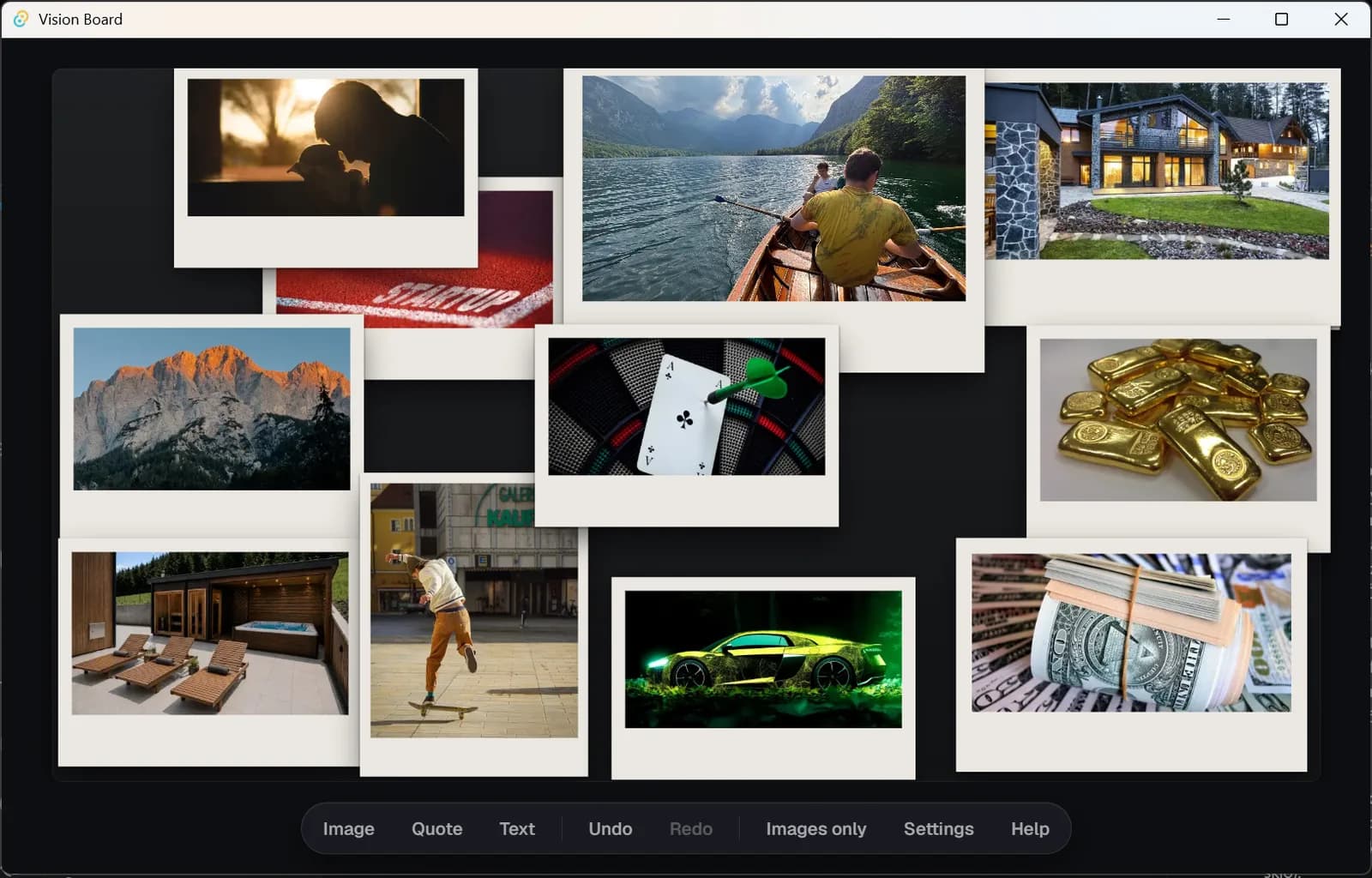
Most of us made a dream board once. Cut-out photos, a quote on a sticky note, a few big plans. And then it ended up behind a wardrobe, or in a phone among a thousand other pictures. Vision Board is a better place for that board: on the computer where you spend most of the day. It does not interrupt and it wants nothing from you. It is simply there — and when you look at it, it reminds you why you are doing what you are doing.
What it does
The board instead of a wallpaper
Your board becomes the desktop background. The icons stay where they were, and underneath them is the place you want to live in a year from now, or the sea you are heading for. Every time you close the last window.
It speaks up by itself, at the right moment
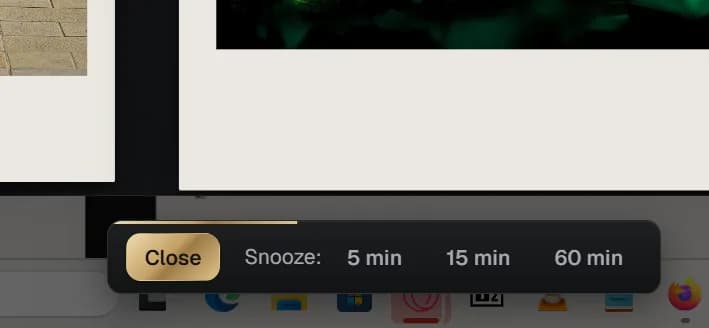
You choose when the board should appear for a while: with your morning coffee, after lunch, or every two hours. You look at it for a few seconds and it is gone again — and when it does not suit you, one tap puts it off.
Pictures that lead somewhere
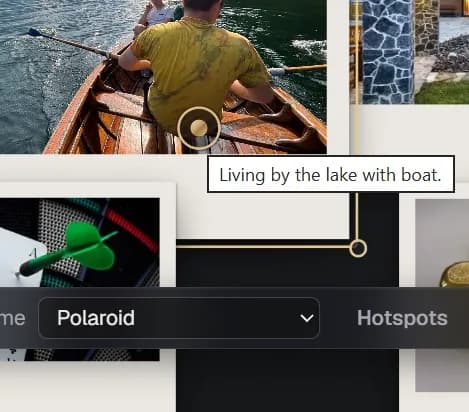
You add a point to a photo that opens a link, or more photos and notes. The dream house with its floor plan, the trip with its route, the course you are saving for. A dream stops being only a picture and starts to have edges.
From a dream to a step, if you want
Beside the board you can keep a short list: what you will do today, what tomorrow. In the evening you plan one small step, in the morning it is in front of you. Anyone who dislikes lists leaves it switched off.
It looks how you want
Two themes — a light Gallery in paper tones and a dark Night in glass and metal — and frames from a fine line to a polaroid. A board you will enjoy looking at.
Light and private
The app barely troubles your computer and sits quietly by the clock. Your photos and plans stay with you; nothing is sent anywhere and nothing is tracked. This is not another social network, it is your private board.
Why it works
There is no magic in it. What is in front of our eyes is what we think about — and what we think about is what we move towards, day after day. Vision Board only makes sure your goals do not get lost among emails, deadlines and tiredness.
How to get it
Vision Board is free for anyone who signs up at almost-there.eu — no paid account needed. Register, download the app, sign in, and you can start arranging. And if you like it, send the link to anyone else.
Common questions
- What does it run on?
- Windows 10 and 11. A Mac version is on the way.
- Do I need to be online?
- No. The board works without the internet. It connects only for updates and for the first sign-in.
- What happens to my wallpaper?
- The app remembers it and puts it back when you switch the feature off or uninstall the app.
- Will it slow my computer down?
- No. At rest it takes a few megabytes of memory, less than one browser tab.
- Who sees my photos?
- Only you. They stay on your computer and are never sent to our server.